



Tips for Creating a Cozy and Productive Home Office Environment
Working from home has become increasingly common, making the home office an essential space for many. Creating a cozy and productive environment can help you stay focused while enjoying your time working. Whether you have a dedicated room or a small corner, these tips will guide you in designing a workspace that balances comfort and efficiency.
1. Choose the Right Spot
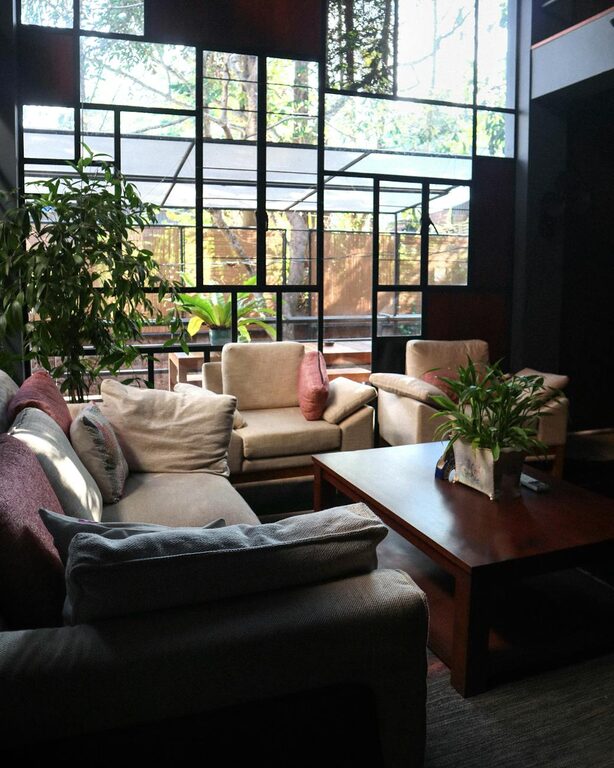
Selecting the right location in your home is the first step. Ideally, pick a quiet area with natural light to boost your mood and energy.
– Minimize distractions: Avoid high-traffic areas.
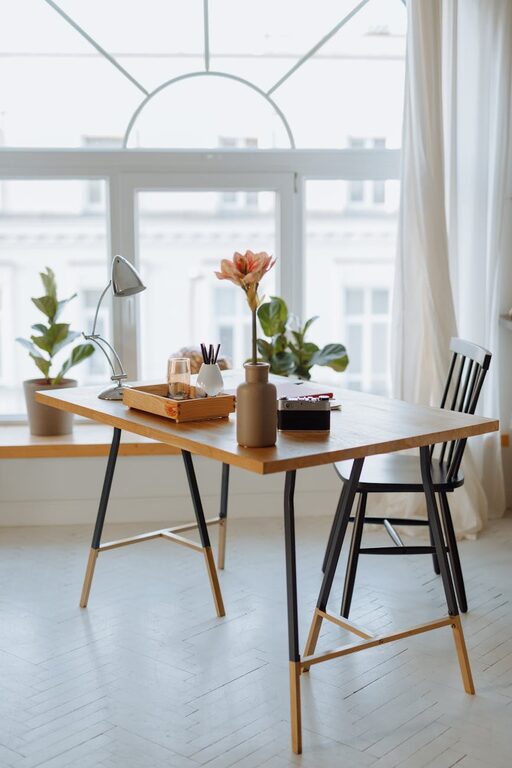
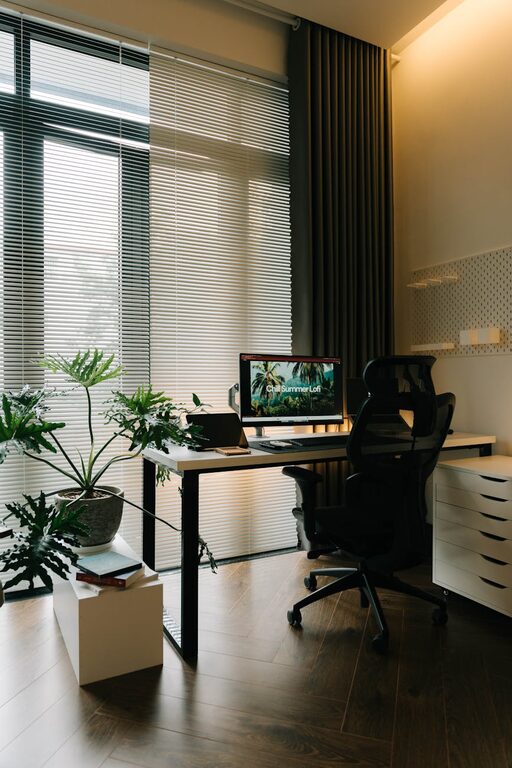
– Consider natural light: Position your desk near a window, if possible.
– Check for privacy: A door or divider can create a boundary between work and home life.
2. Invest in Comfortable Furniture
Comfort directly impacts productivity. Choose ergonomic furniture to support your posture and reduce strain.
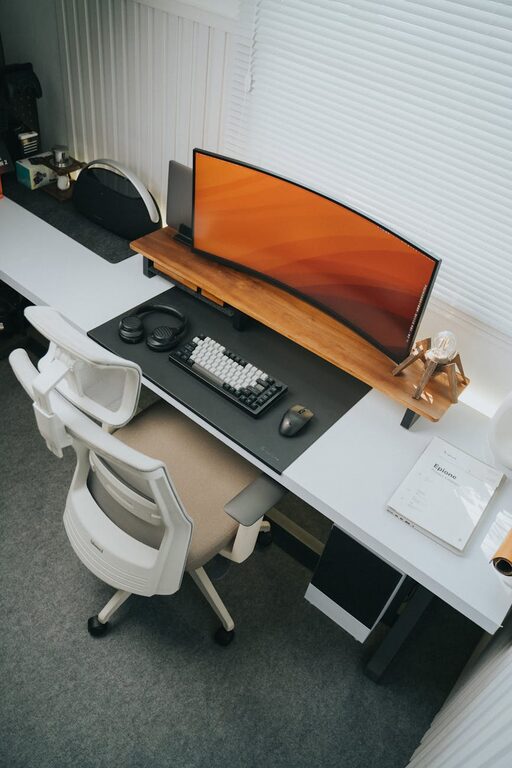
– Ergonomic chair: Look for adjustable chairs with lumbar support.
– Proper desk: Ensure your desk height allows your arms to rest comfortably.
– Footrest: If your feet don’t touch the floor, use a footrest to reduce pressure.
3. Organize with Purpose
An organized workspace helps clear your mind and keeps you focused.
– Declutter regularly: Remove unnecessary items to keep the area tidy.
– Use storage solutions: Shelves, drawers, and organizers help keep supplies accessible.
– Cable management: Use clips or sleeves to keep cords neat and prevent tangling.
4. Optimize Lighting
Good lighting reduces eye strain and keeps you alert.
– Natural light: Use daylight as much as possible.
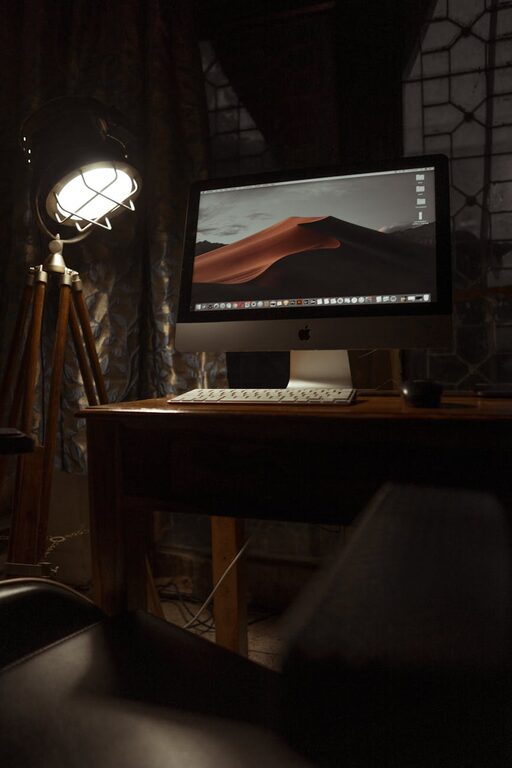
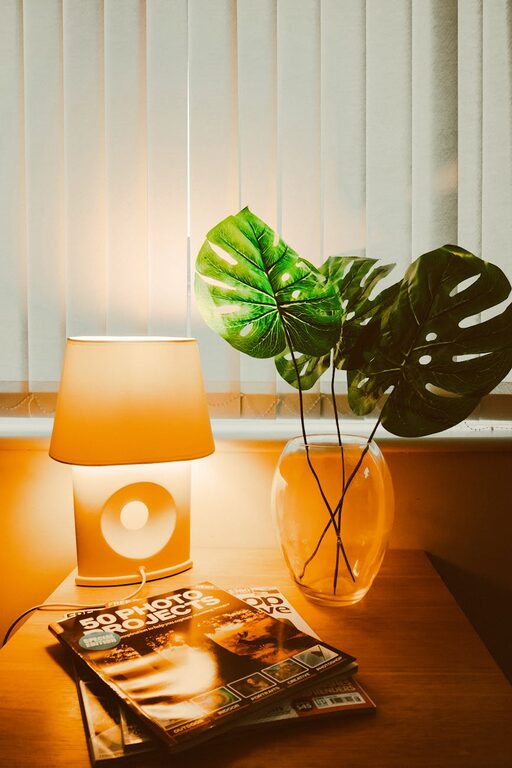
– Task lighting: A desk lamp with adjustable brightness can be helpful during darker hours.
– Avoid glare: Position screens and lights to minimize reflections.
5. Personalize Your Space
Personal touches make your workspace inviting and enjoyable, which can boost creativity.
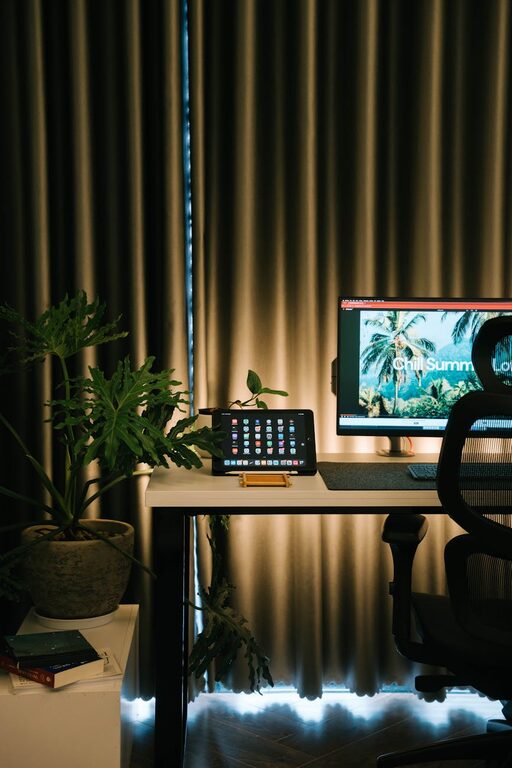
– Add plants: Greenery improves air quality and adds a calming effect.
– Decorate thoughtfully: Use artwork or objects that inspire but don’t distract.
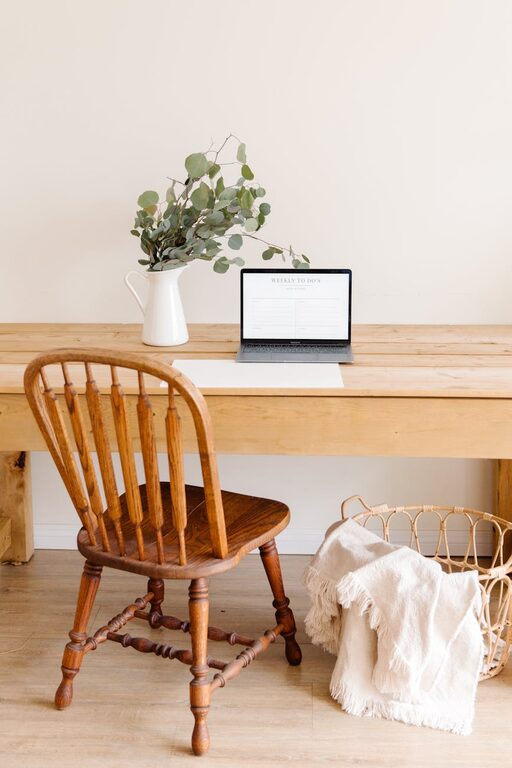
– Comfort items: A cozy blanket or cushion can make your space more pleasant.
6. Use Technology Wisely
Ensure your tech setup supports your work without causing frustration.
– Reliable internet: A stable connection is key for productivity.
– Quality equipment: Invest in good headphones, webcam, and keyboard for comfort.
– Software tools: Use apps for time management, note-taking, or collaboration to stay organized.
7. Set Boundaries and Routines
Creating a routine helps separate work from home life and maintains focus.
– Designate work hours: Start and end your workday at consistent times.
– Take breaks: Short, regular breaks improve focus and reduce fatigue.
– Set physical boundaries: Close your office door or use a screen to signal work time.
8. Control Noise and Distractions
Managing sound is important, especially if your home is busy or noisy.
– Noise-canceling headphones: Useful for blocking distractions.
– Soundproofing: Use rugs, curtains, or acoustic panels to soften noise.
– White noise or music: Some people find background sounds helpful for concentration.
9. Keep Essentials Within Reach
Having your tools and supplies handy saves time and helps maintain flow.
– Daily tools: Keep pens, notebooks, chargers, and other essentials close by.
– Refreshments: A water bottle or coffee mug within arm’s reach encourages hydration and comfort.
10. Regularly Refresh Your Setup
Changing your environment periodically can maintain interest and comfort.
– Rearrange furniture: Small shifts can improve light and flow.
– Update decor: Swap artwork or add seasonal items.
– Audit ergonomics: Check if your furniture and technology setups still fit your needs.
—
By focusing on comfort, organization, and personalization, you can create a home office that balances coziness with productivity. A well-thought-out space helps you feel motivated, reduces stress, and makes working from home more enjoyable. Whether your workspace is simple or elaborate, these tips can help you build an effective environment suited to your needs.