




Tips for Creating a Cozy and Functional Home Workspace
Creating a home workspace that feels cozy and stays functional can make a big difference in your daily productivity and overall well-being. Whether you work remotely full-time or occasionally need a quiet spot for focused tasks, the right setup helps you stay motivated and comfortable. This guide shares practical tips to transform any corner of your home into an inviting and efficient workspace.
Choose the Right Location
The first step is finding the ideal spot for your workspace. This doesn’t have to be a separate room, though a dedicated space is best for minimizing distractions.
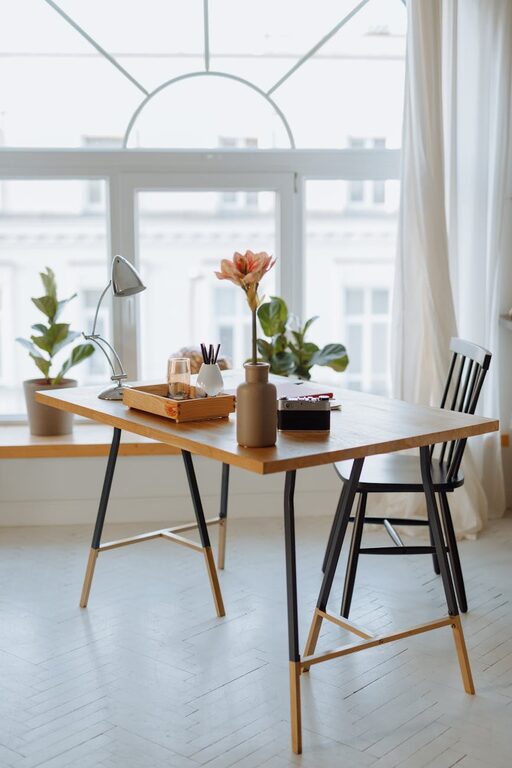
– Natural light: Aim for a location near a window. Natural light can boost mood, reduce eye strain, and improve energy levels.
– Quiet environment: Select an area with minimal noise from household activities or street traffic. This helps maintain concentration.
– Accessibility: Make sure your workspace is easily accessible and close to power outlets for your electronics.
Invest in Comfortable Seating and Desk
Comfort is key when working for long hours. Poor ergonomics can lead to discomfort and reduce productivity.
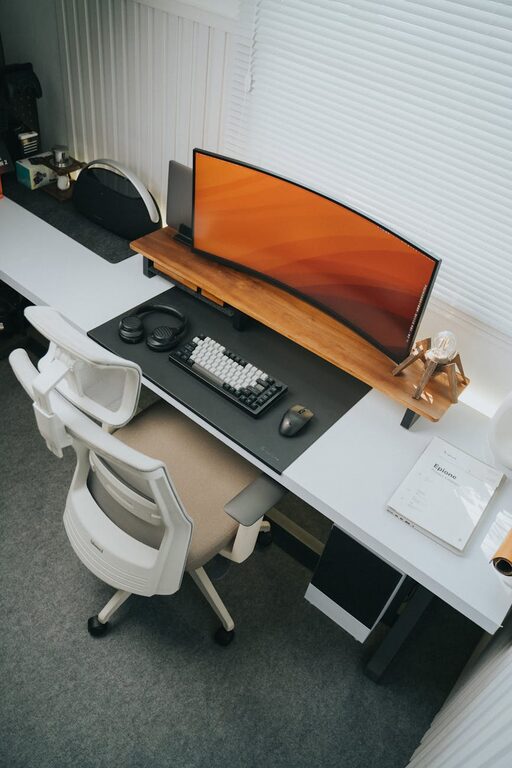
– Ergonomic chair: Choose a chair with good lumbar support, adjustable height, and comfortable padding.
– Appropriate desk: Pick a desk that fits your space but still offers enough surface area for your computer, notebooks, and other essentials.
– Desk height: Your desk should allow your elbows to be at a 90-degree angle when typing to reduce strain.
Optimize Lighting
Adequate lighting reduces eye fatigue and creates a pleasant work atmosphere.
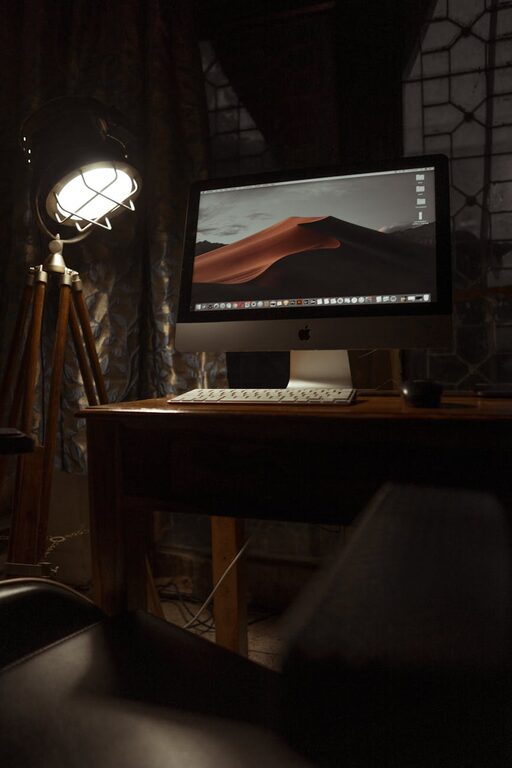
– Layer your lighting: Use a combination of overhead lights, task lamps, and natural light.
– Adjust brightness: Choose adjustable lamps so you can control light intensity depending on the time of day.
– Avoid glare: Position screens perpendicular to windows, and use blinds or curtains to reduce glare.
Keep It Organized
A tidy workspace helps minimize distractions and keeps you focused.
– Storage solutions: Use shelves, drawers, or bins to organize documents and supplies neatly.
– Declutter regularly: Set aside time each week to clear unnecessary items off your desk.
– Cable management: Employ cable clips or sleeves to keep cords tidy and prevent accidents.
Personalize Your Space
Adding personal touches can make your workspace feel welcoming and motivating.
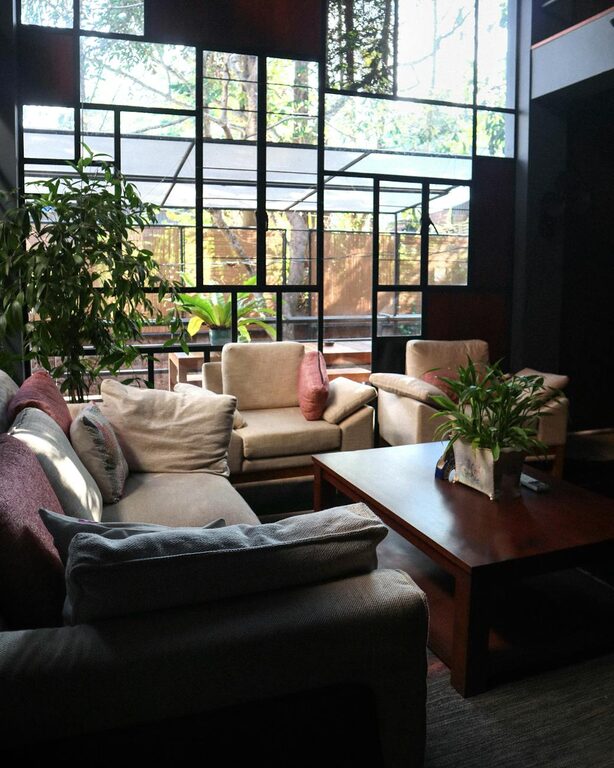
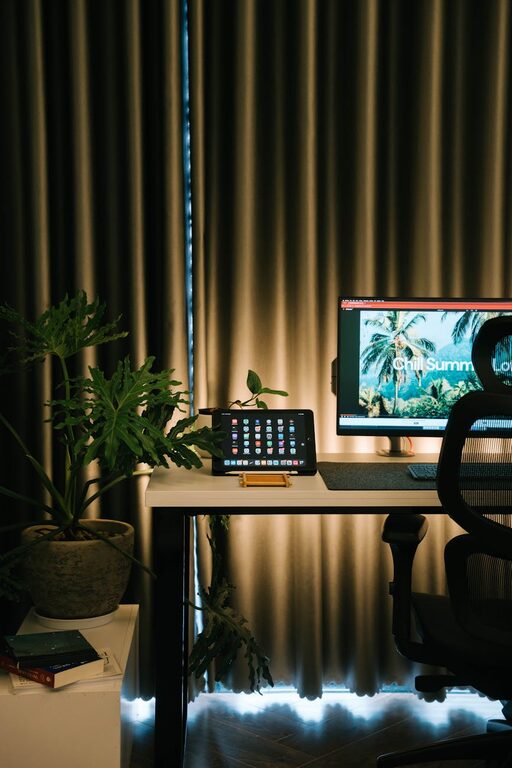
– Incorporate plants: Small indoor plants improve air quality and add a natural, calming element.
– Use colors wisely: Choose colors that inspire you—soft blues and greens promote calm, while yellows spark creativity.
– Add meaningful items: Photos, artwork, or inspirational quotes can boost your mood during busy days.
Use Technology Wisely
Technology plays a big role in home workspaces but should be used purposefully.
– Reliable internet: Ensure a strong Wi-Fi signal to avoid interruptions.
– Necessary devices: Keep only the tools you need for your work within reach to prevent distractions.
– Backup options: Regularly save important files and consider cloud storage to protect your data.
Take Breaks and Move
A cozy and functional workspace encourages healthy habits.
– Stretch regularly: Change posture and stretch your body every hour to avoid stiffness.
– Step outside: Take short breaks outdoors or near a window to refresh your mind.
– Hydrate and snack: Keep water and healthy snacks nearby to maintain energy throughout the day.
Adapt and Evolve
Your workspace should grow with your needs.
– Review your setup: Periodically assess if your workspace still fits your workflow.
– Upgrade as needed: Don’t hesitate to invest in better furniture or technology when you can.
– Stay flexible: Allow space for different tasks by rearranging or adding elements when required.
—
Creating a cozy and functional home workspace doesn’t have to be complicated or costly. By focusing on comfort, organization, and personal touches, you can build an environment that supports your productivity and makes working from home a pleasure. Start small, make adjustments as needed, and enjoy the benefits of a well-designed workspace every day.