






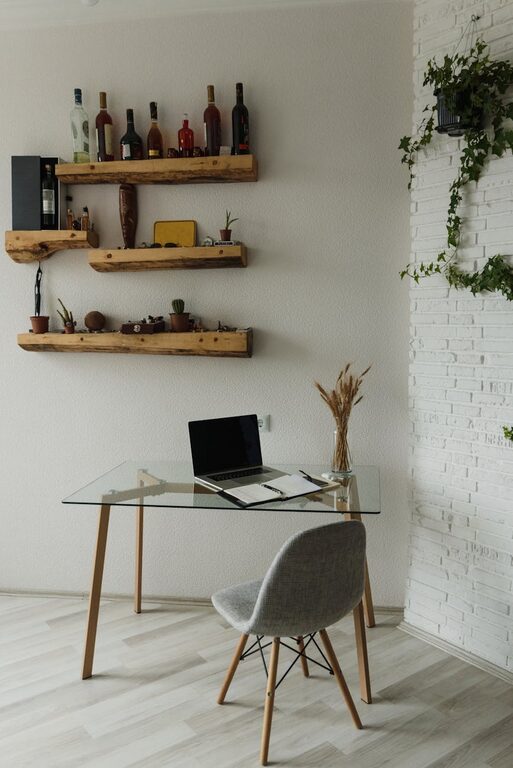
Tips for Creating a Cozy and Productive Home Workspace
Creating a home workspace that feels both cozy and productive can greatly enhance your work-from-home experience. Whether you’re setting up an office for the first time or looking to improve your current space, a well-designed environment can boost your focus, reduce stress, and make your workday more enjoyable. Here are some practical tips to help you craft a home office that supports comfort and efficiency.
Choose the Right Location
Find a Dedicated Space
Having a dedicated area for work helps create a mental separation between professional and personal life. If possible, designate a quiet room or a corner of a room that is used only for work. This boundary prevents distractions and signals to yourself and others that it’s time to focus.
Consider Natural Light
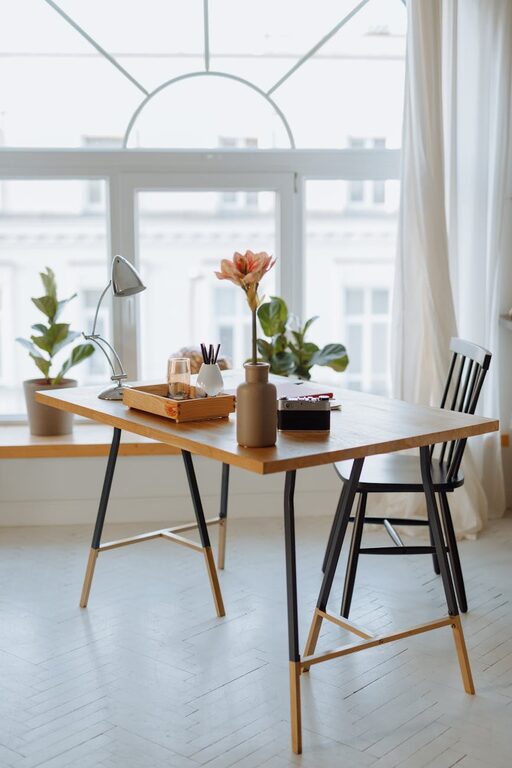
Position your desk near a window if you can. Natural light improves mood and energy levels, reducing eye strain. However, avoid direct glare on your computer screen by using sheer curtains or adjustable blinds.
Invest in Comfortable and Functional Furniture
Choose an Ergonomic Chair
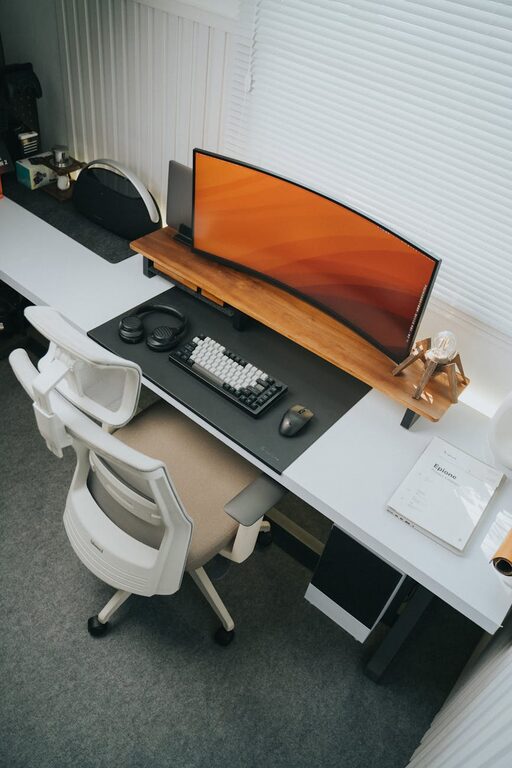
A comfortable, supportive chair is essential for long hours of sitting. An ergonomic chair with adjustable height, lumbar support, and comfortable cushioning can prevent back and neck pain.
Opt for the Right Desk
Select a desk size that fits your needs and space. Consider a standing desk or one with adjustable height to alternate between sitting and standing throughout the day, which helps reduce fatigue.
Organize Supplies Within Reach
Keep commonly used items like pens, notebooks, and chargers close to avoid constant interruptions. Use desk organizers or small drawers to keep clutter at bay.
Enhance Your Workspace with Personal Comforts
Add Soft Textures
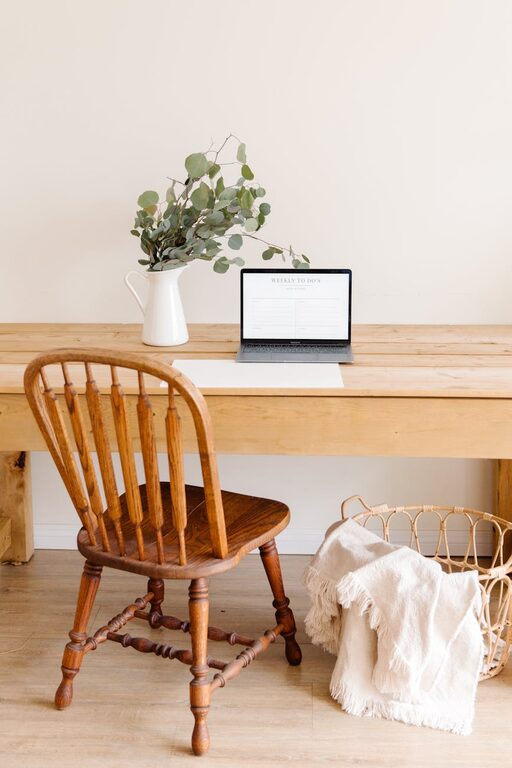
Introduce cozy elements such as a soft throw blanket, cushions, or a small rug. These can make the space feel warm and inviting, enhancing comfort without distractions.
Incorporate Plants
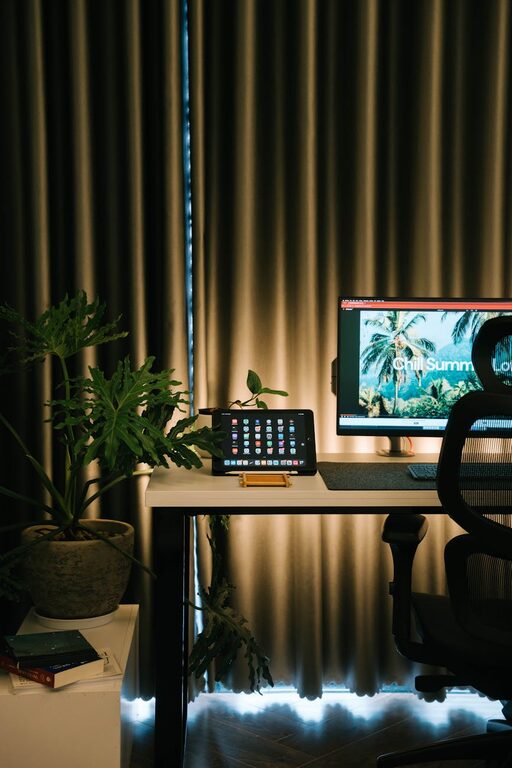
Indoor plants improve air quality and add a natural touch. Even small succulents or a low-maintenance plant can brighten the room and create a calming atmosphere.
Control the Temperature
Make sure your workspace stays at a comfortable temperature. Use fans, heaters, or air purifiers as needed to maintain a pleasant environment that keeps you alert.
Optimize Lighting for Productivity
Use Layered Lighting
Combine natural light with task lighting like desk lamps. Adjustable lamps can provide focused light for reading and computer work, reducing eye strain during early mornings or evenings.
Choose Warm or Neutral Light Bulbs
Aim for bulbs with a warm to neutral color temperature (around 2700K–4000K). This light is easier on the eyes and creates a welcoming environment.
Minimize Distractions and Maintain Organization
Declutter Regularly
A tidy workspace improves concentration. Remove unnecessary papers, gadgets, or decorations that do not serve a purpose in your workflow.
Use Cable Management
Keep your workspace neat by organizing cables with clips, ties, or cord boxes. This helps prevent tangling and makes cleaning easier.
Set Boundaries for Family or Housemates
Communicate your working hours and request undisturbed time. Use signs or closed doors as visual cues to minimize interruptions.
Incorporate Tools to Boost Focus and Efficiency
Personalize Your Workflow
Use planners, calendars, or digital tools like task management apps to organize your day. Select tools that suit your style and help you stay on track.
Keep Hydrated and Snack Smartly
Place a water bottle within reach and have healthy snacks available to maintain energy without frequent breaks.
Take Breaks and Move
Incorporate short breaks for stretching or walking. This improves circulation and refreshes your mind for better productivity.
Final Thoughts
Creating a workspace that is both cozy and productive is about balancing comfort with function. Small adjustments to your environment, furniture, and habits can dramatically improve your work-from-home routine. Experiment with these tips to find the setup that feels right for you. Remember, a pleasant workspace not only helps you work better but also encourages you to enjoy your time at home.